Press kit
Download everything 16 MB: the icon, screenshots and some information about the app.
Questions, or need something that isn't here? Write to press@growpixel.com.
Film, 57 seconds, 1920 × 1080 MP4 12 MB
In one line
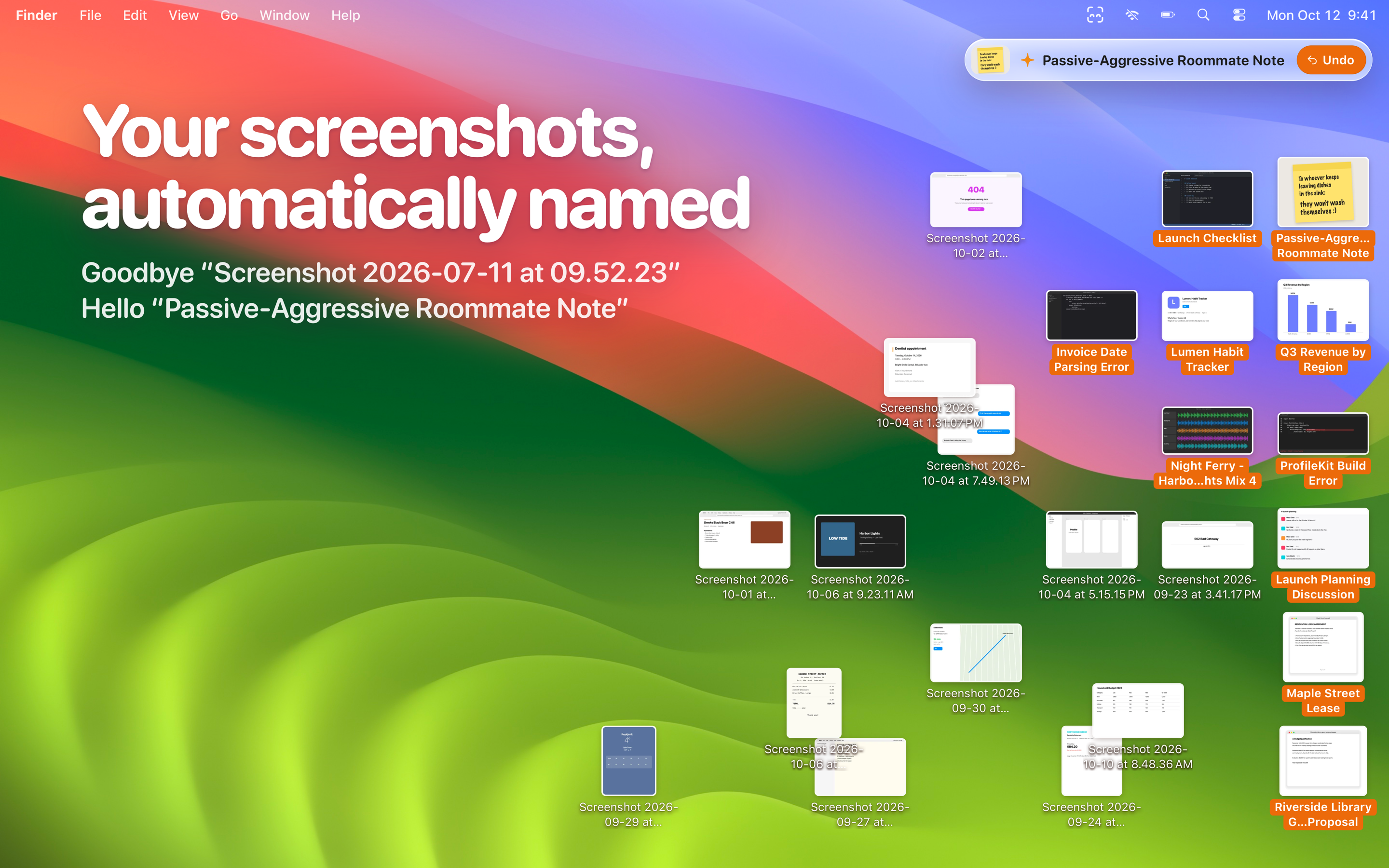
Nameshot is a Mac menu bar app that gives every new screenshot a proper name the moment you take it, on device using Apple Intelligence.
In one paragraph
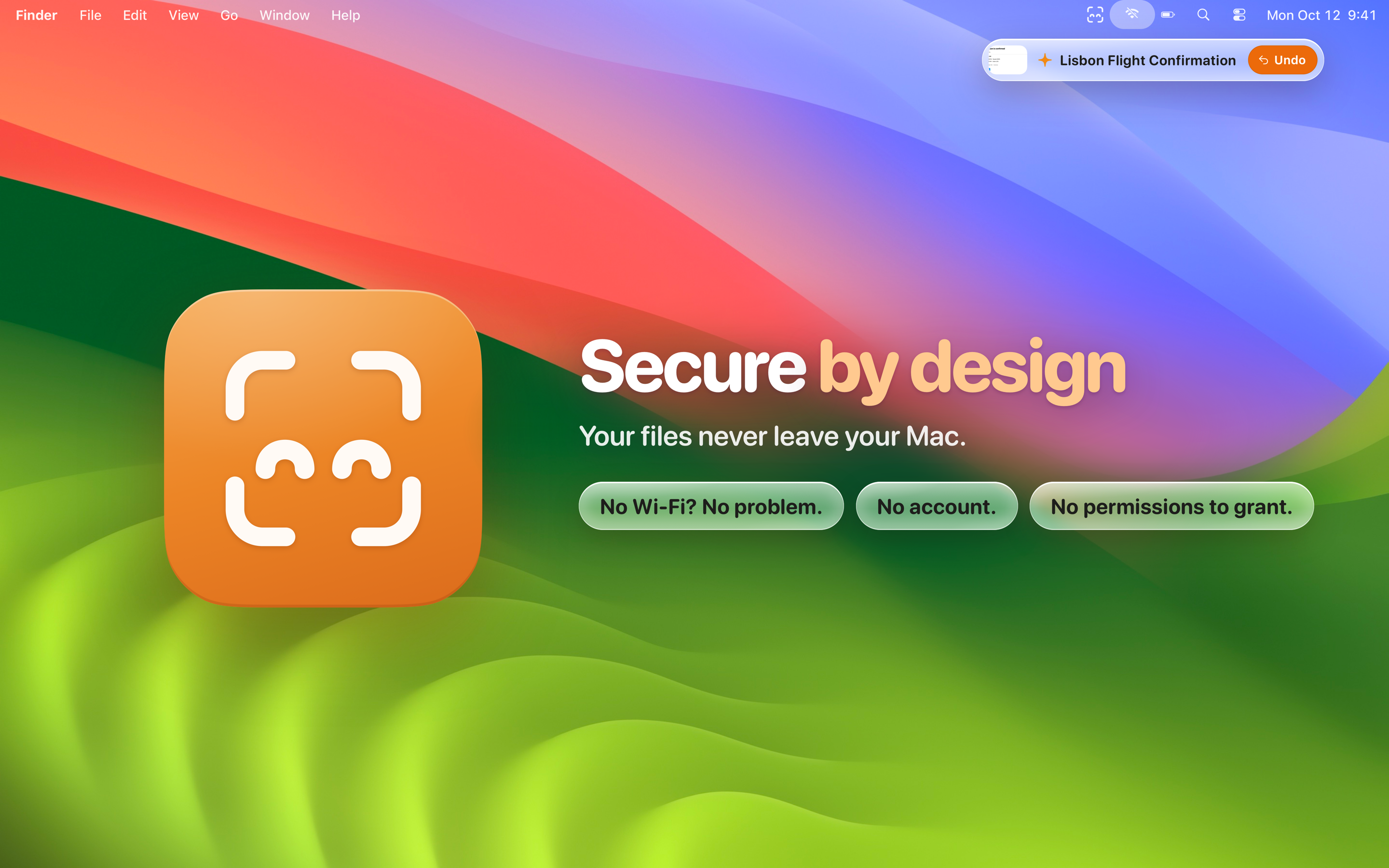
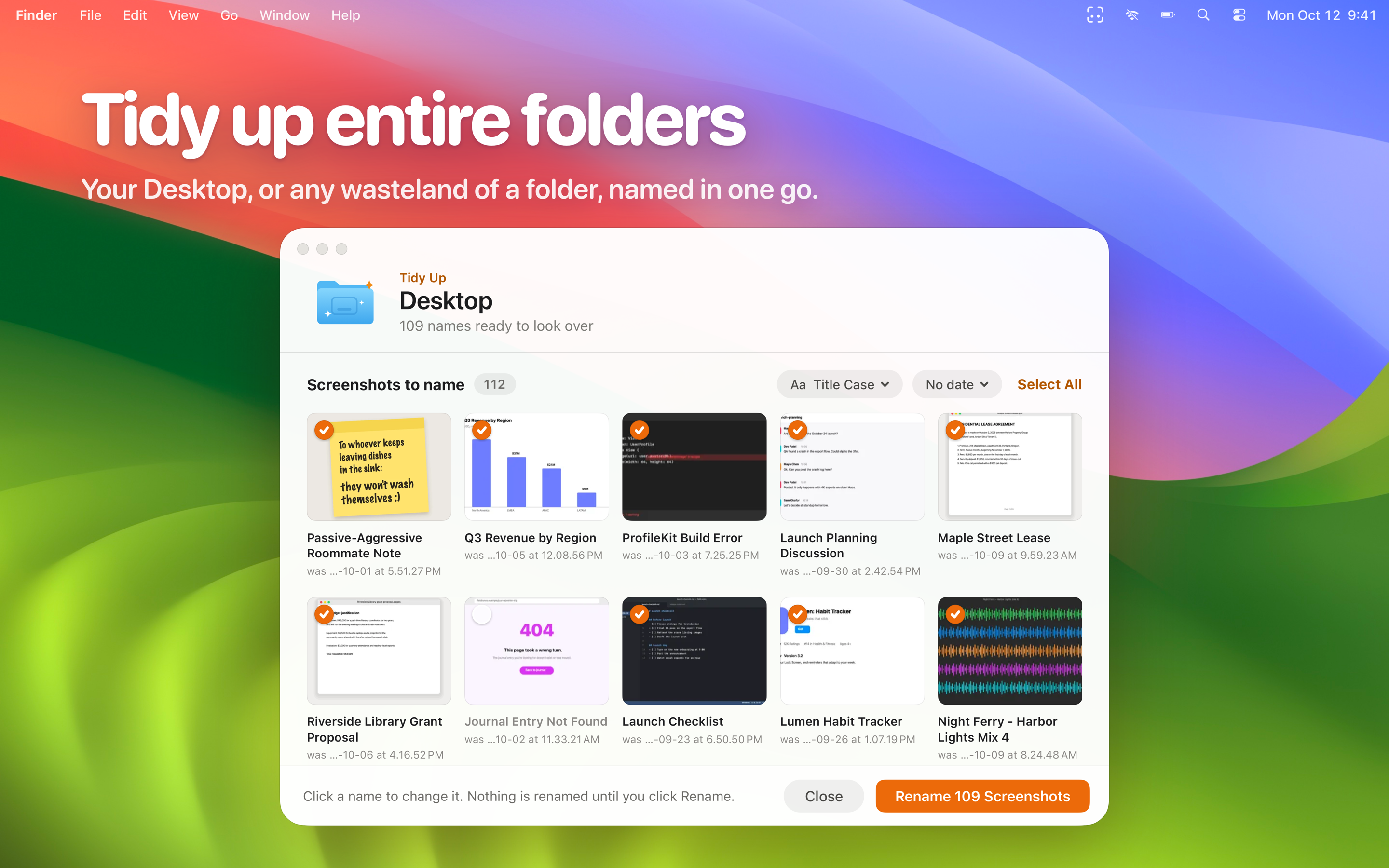
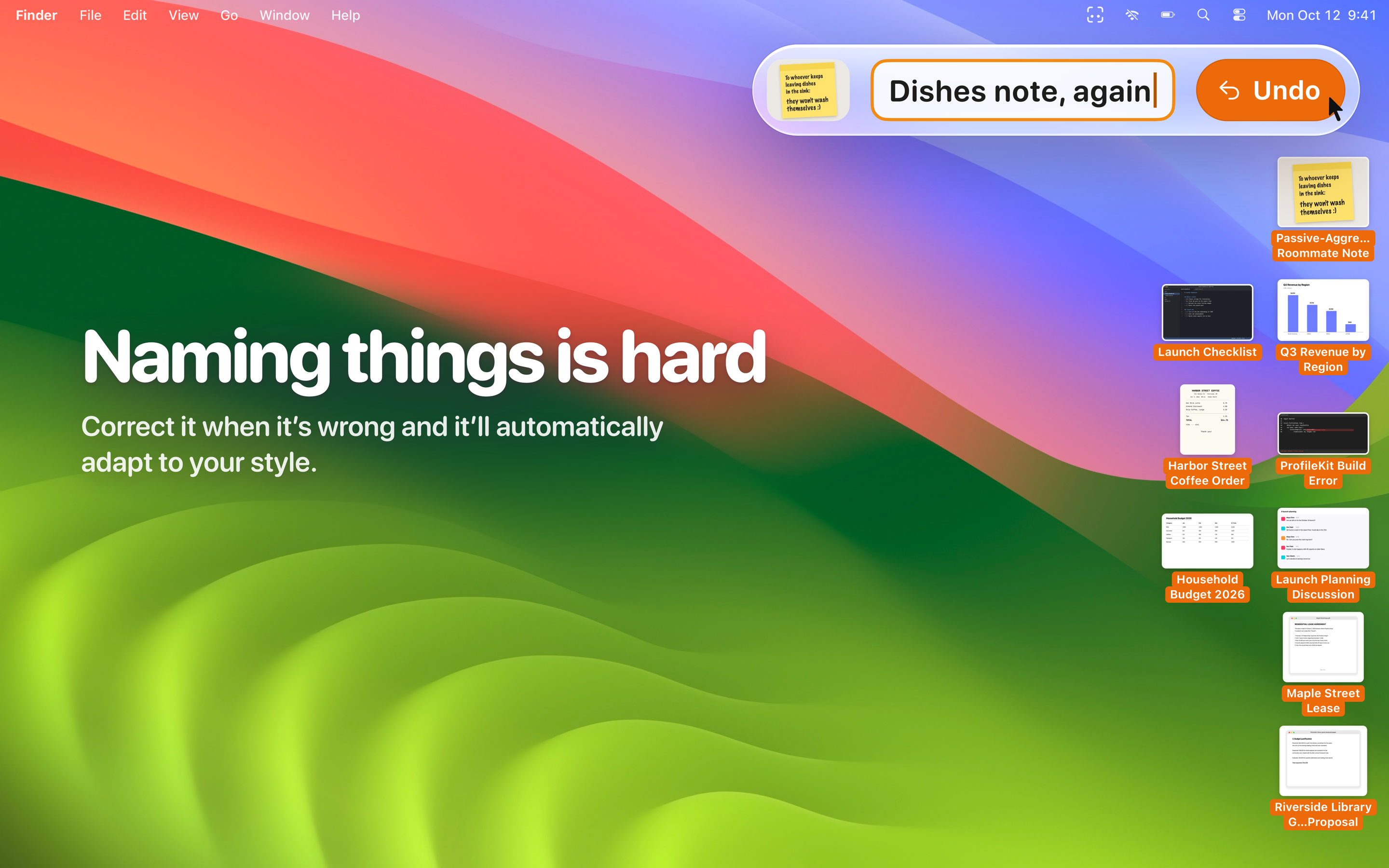
Your Desktop fills up with files called “Screenshot 2026-10-12 at 9.41.07 AM”. Nameshot sits in the menu bar and, a second or two after you take a screenshot, gives it a name in plain words, like “Harbor Street Coffee Order” or “Passive-Aggressive Roommate Note”. It reads each picture on device using Apple Intelligence, so nothing leaves your Mac: there’s no account, no analytics, and the app has no permission to use the network at all. Undo is one click, and when you type a better name, Nameshot learns how you like things named. Tidy Up names a whole folder of old screenshots in one go, and any image or folder dropped on the little face in the menu bar gets named too. Nameshot is a free download with a 7-day free trial; Nameshot Pro is a one-time purchase, $4.99 at launch, then $9.99. It needs a Mac with Apple silicon and macOS 27.
The facts
- Released
- 10 November 2026, on the Mac App Store
- Price
- Free download, with a 7-day free trial of Nameshot Pro that starts after your first screenshot
- Nameshot Pro
- $4.99 at launch, then $9.99. A one-time purchase, no subscription, with Family Sharing.
- The trial
- Everything, for 7 days from the first rename. No account, nothing to cancel. After it, automatic naming is off without Pro; naming images you drop on it stays free.
- Requires
- A Mac with Apple silicon and macOS 27. Names are best with Apple Intelligence on; without it, they come from the text in each screenshot.
- Privacy
- Everything happens on the Mac. No account, no analytics. App Store privacy label: Data Not Collected.
- Category
- Utilities
- Language
- English
- Publisher
- Shapes and Stories LLC
- Made by
- Ryan McLeod, an indie developer in Amsterdam who also makes Blackbox, a two-time Apple Design Award winner
- App Store
- apps.apple.com/app/id6821602866
- Website
- nameshot.app
- Press
- press@growpixel.com
Good to know
Doesn’t macOS 27 already do this?
macOS 27’s Finder suggests a name when you go to rename a file yourself, one file at a time. Nameshot names every screenshot the moment you take it, without being asked, and works through the ones already on your Desktop.
Does it really work offline?
Nameshot has no network entitlement! That means macOS doesn’t even let it connect to the internet. (Purchases are checked by macOS’s own App Store service, as for any app.) To see for yourself, turn off Wi-Fi and take a screenshot: it’s named just the same. Or run this in Terminal, and there’s no com.apple.security.network.client in what it lists:
codesign -d --entitlements - /Applications/Nameshot.appApp icon
Light and dark, as macOS shows them. PNG, with a transparent background.


Screenshots
The four on the App Store, at 2880 × 1800. Every file shown in them is made up, so there’s nothing private in them to blur.